Desk
The desk
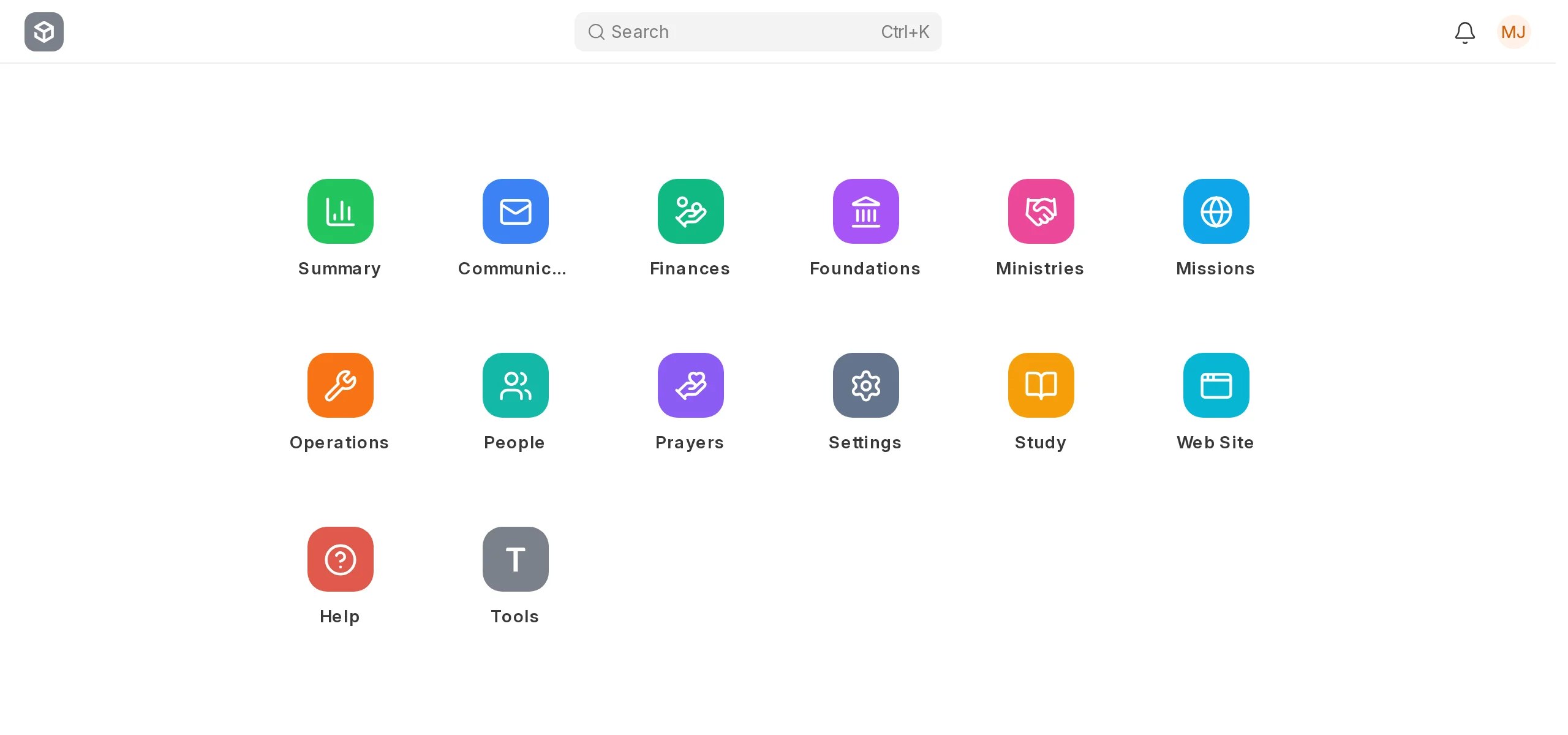
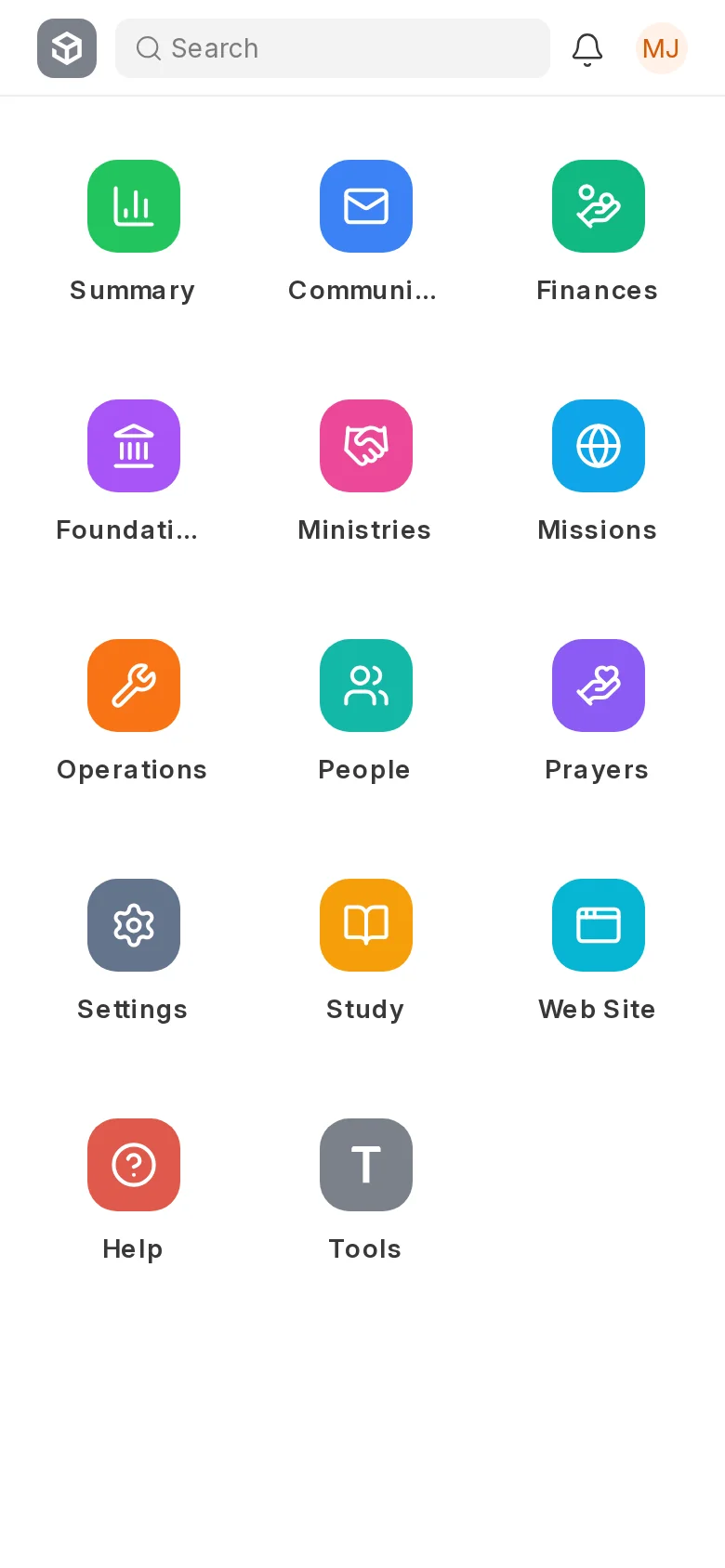
Every part of churchit is an app on the home screen: people, finances, ministries, missions and the rest. Open one to see its workspace, or search for anything from the bar at the top.
People
Rolodex
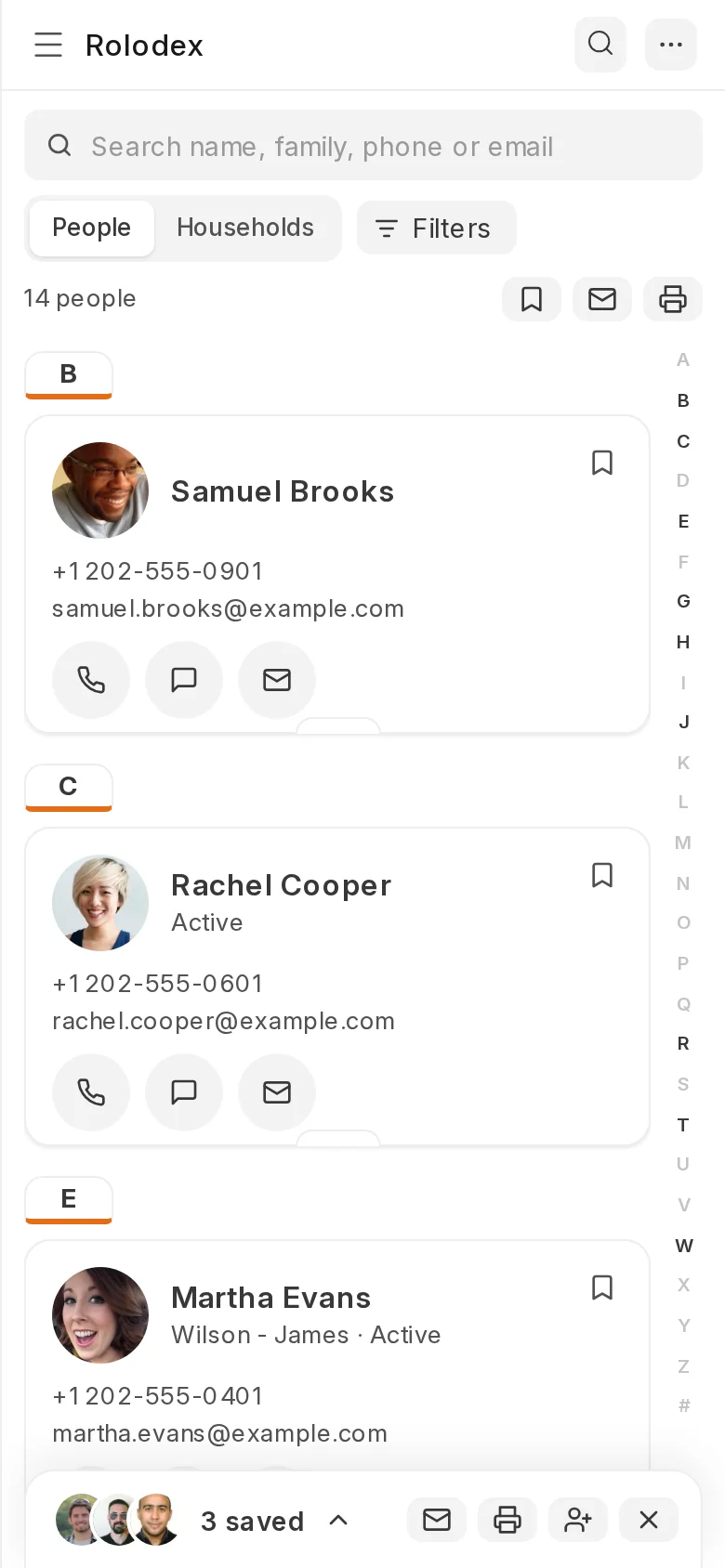
Every person is a card, sorted by last name. Search by name, family, phone or email, call or text from the card, and save cards to the tray to email or print them together.
Read the manual →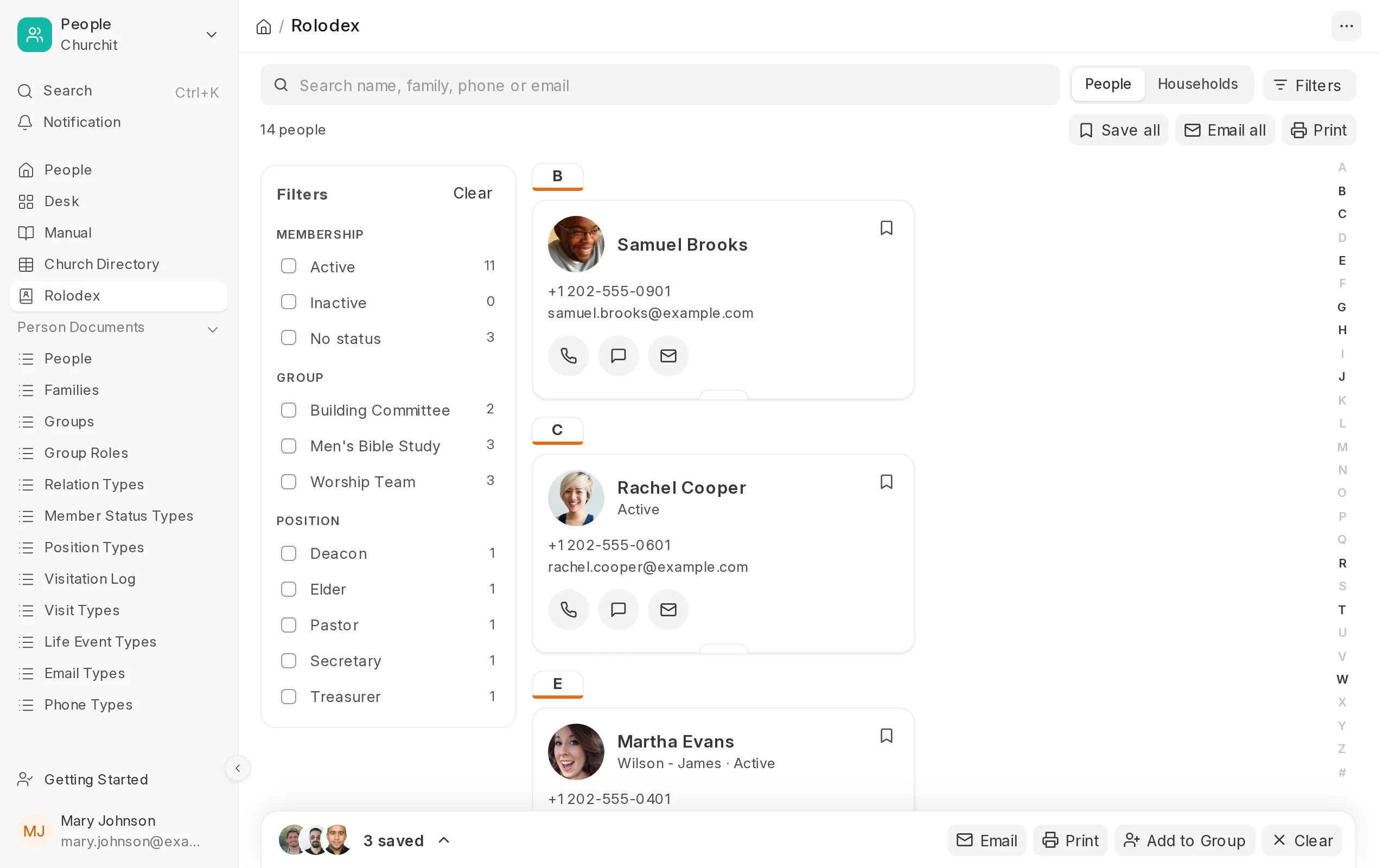
Ministries
Check-In Station
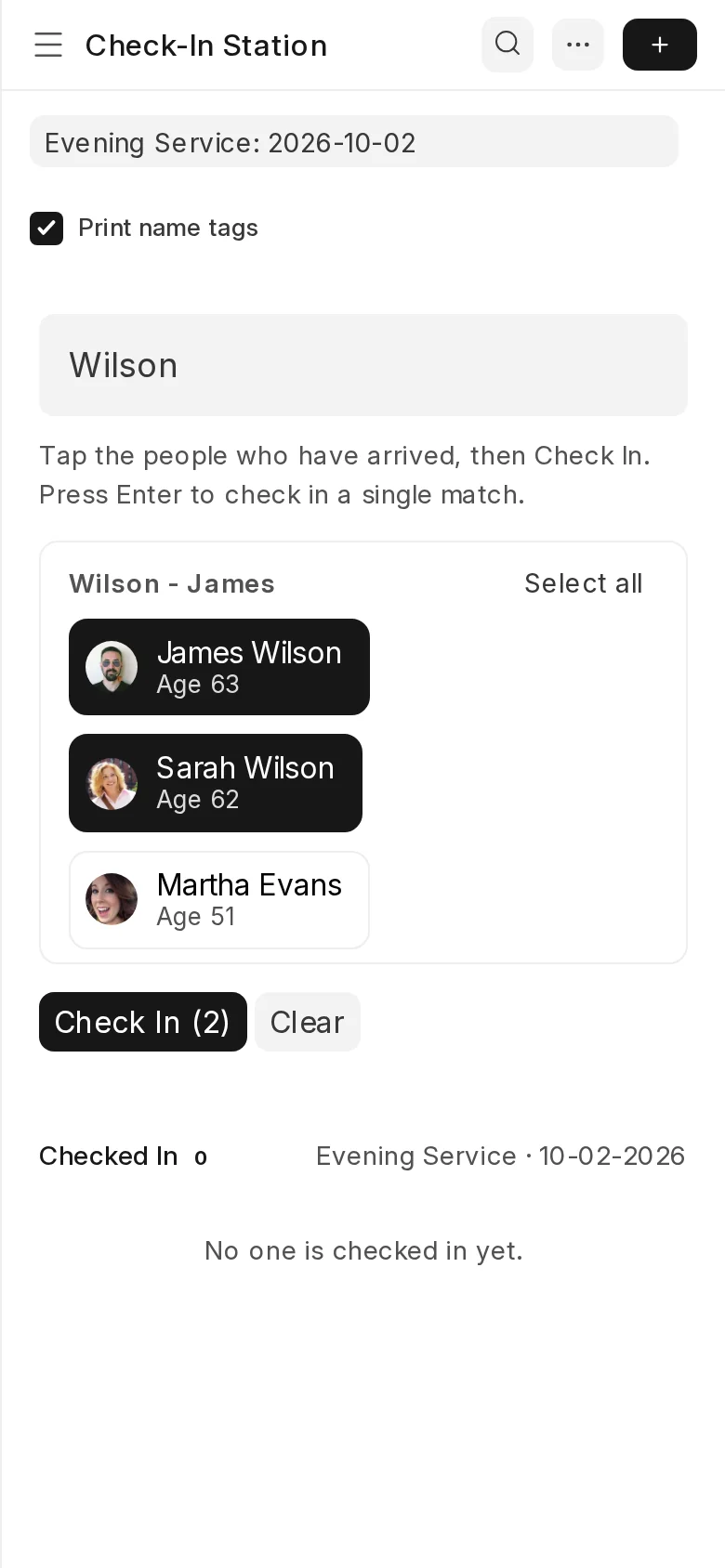
Type part of a name or a phone number and the whole family comes up together. Tap the people who have arrived, and a name tag prints for each of them.
Read the manual →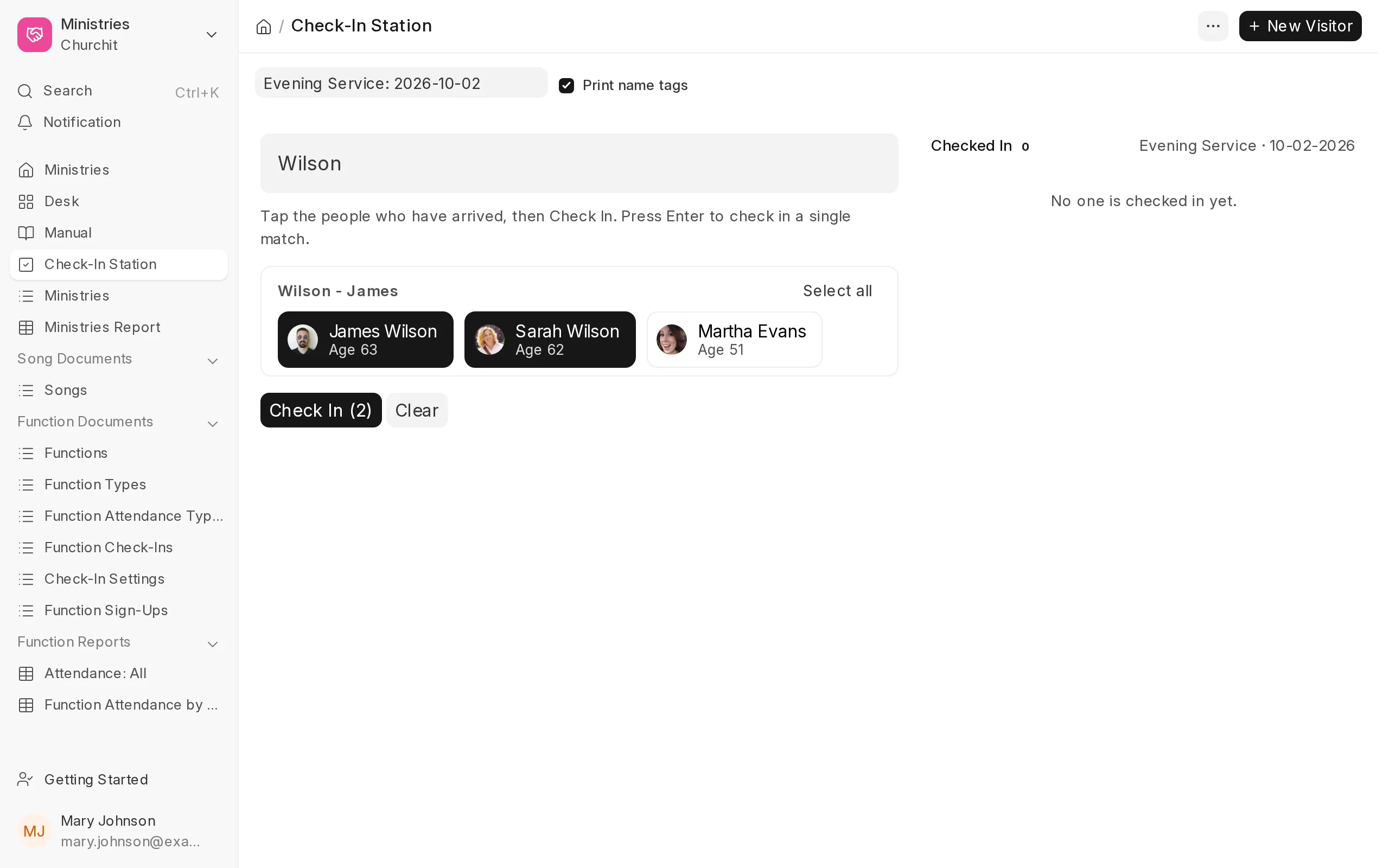
Study
Sermon slides
A sermon is a list of slides: passages of Scripture, beliefs, songs, missionaries and people to pray for. Click Present on the sermon and move through it with the arrow keys.
Read the manual →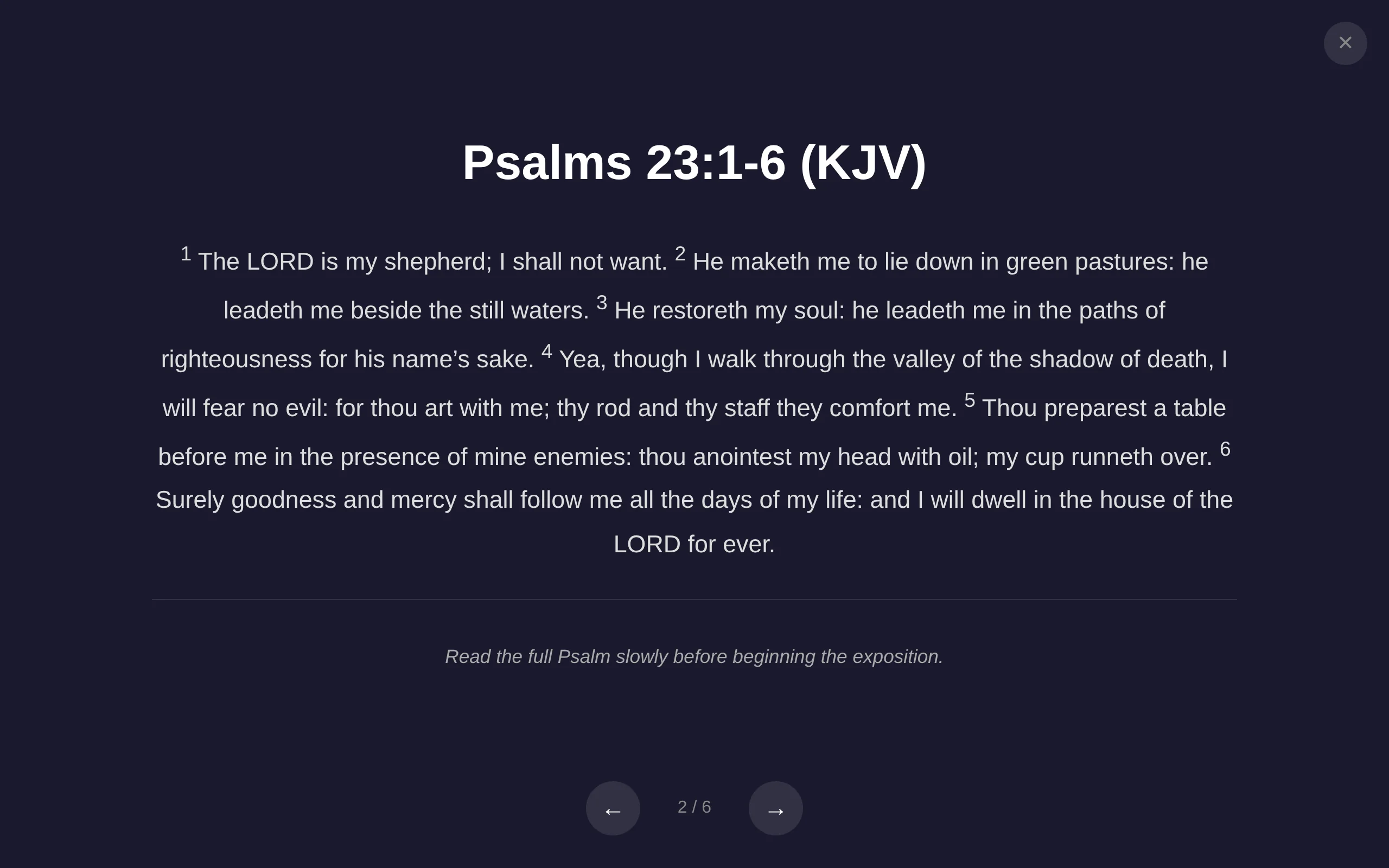
Study
Bible memory
Members keep a list of passages to learn in the portal. Blur hides a few more words each round, and Type checks the first letter of every word and records the progress.
Read the manual →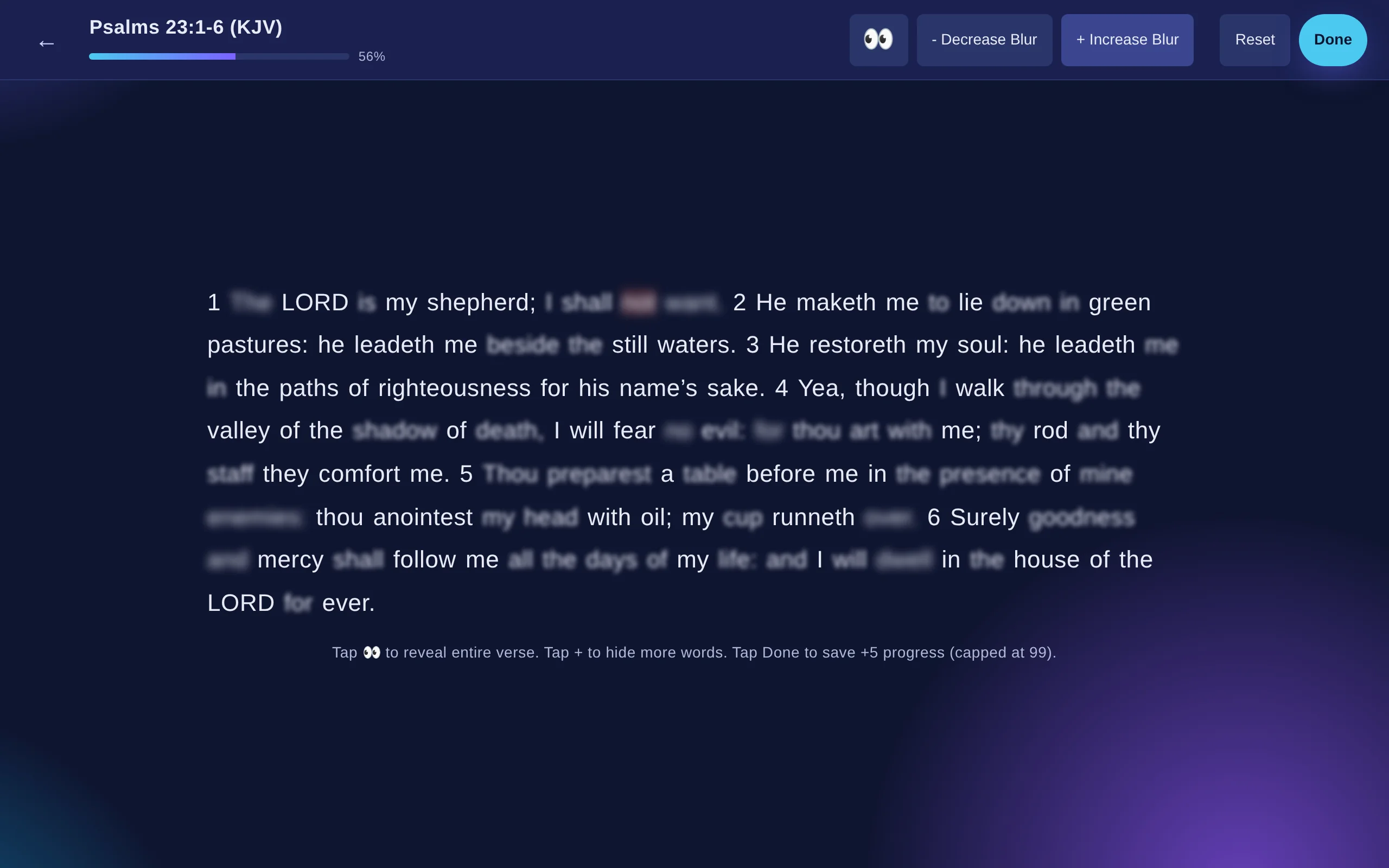
People
Church directory
Choose what goes in, watch the preview change, and print a directory of your families with photos, positions, phone numbers and email addresses.
Read the manual →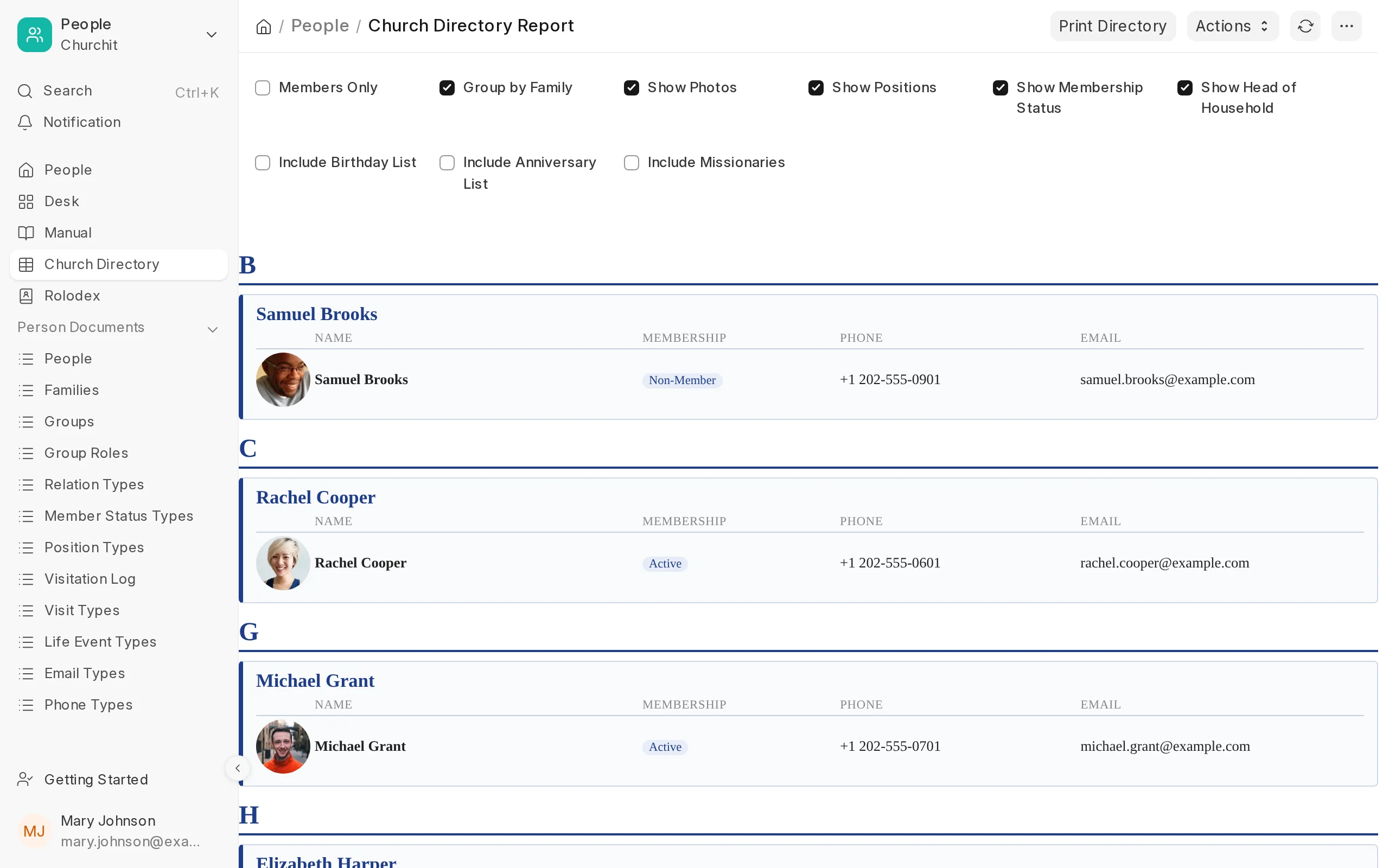
Study
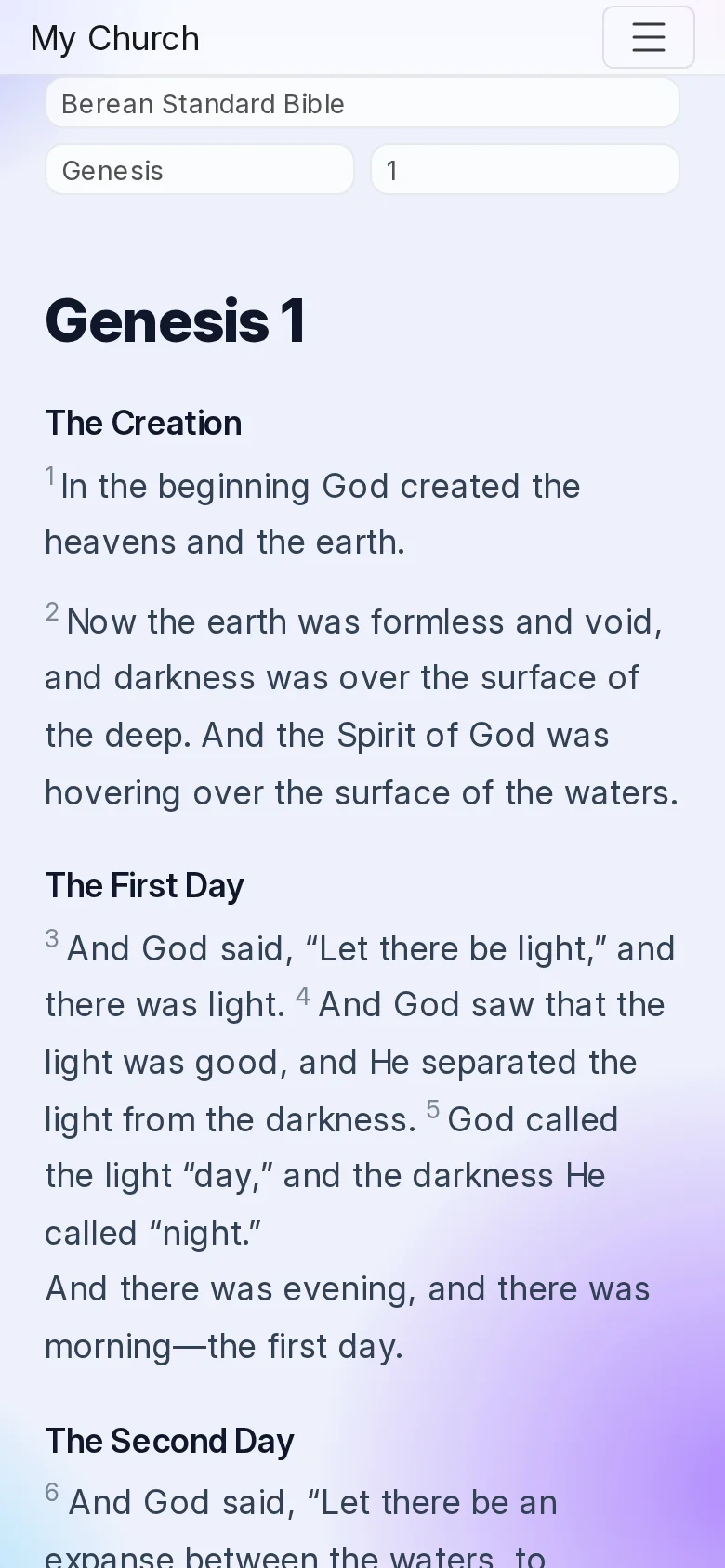
Bible reader
Read one chapter at a time in the desk or on the church website. Every chapter has its own address, so you can bookmark it or send it to someone.
Read the manual →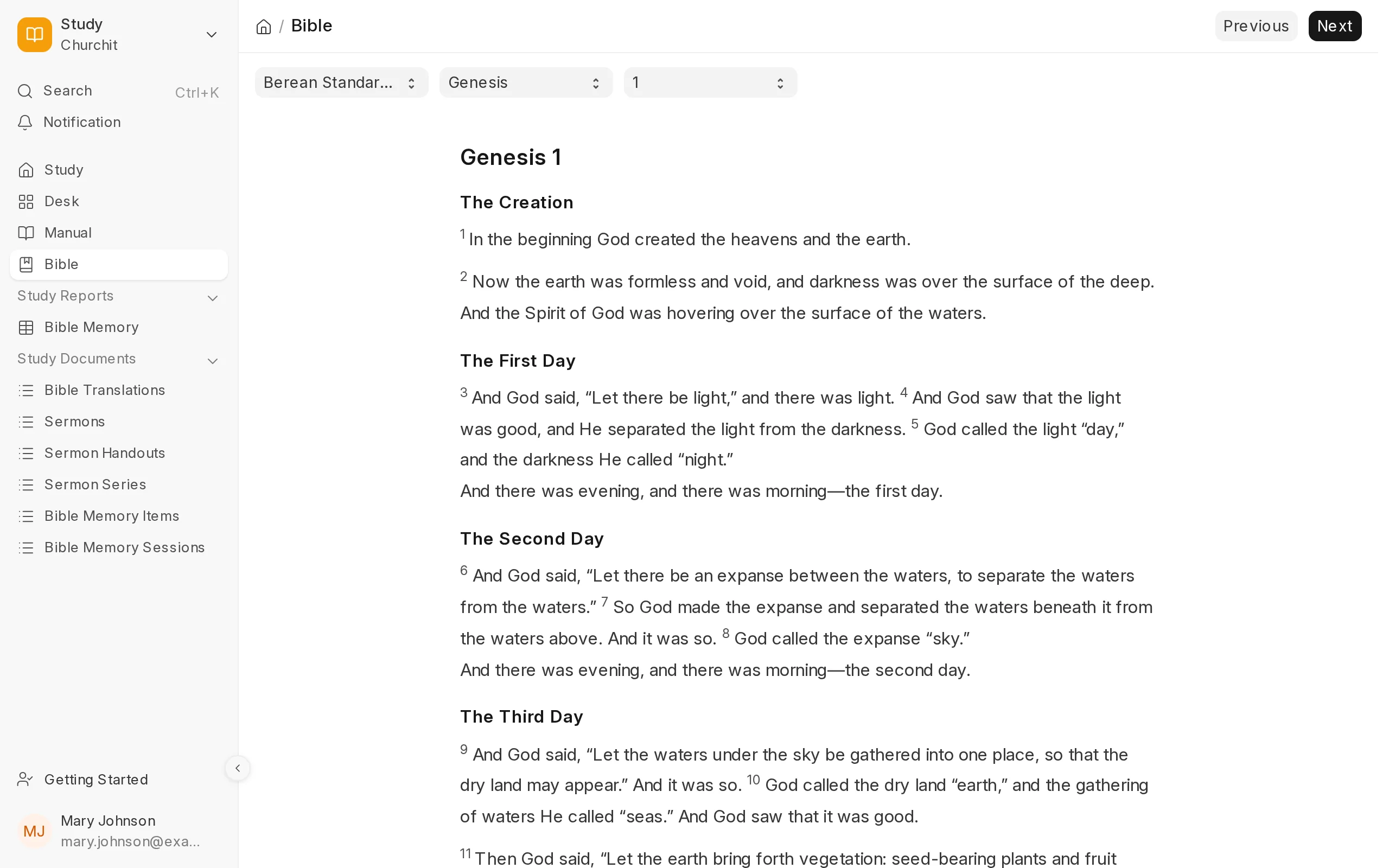
Website
Member portal
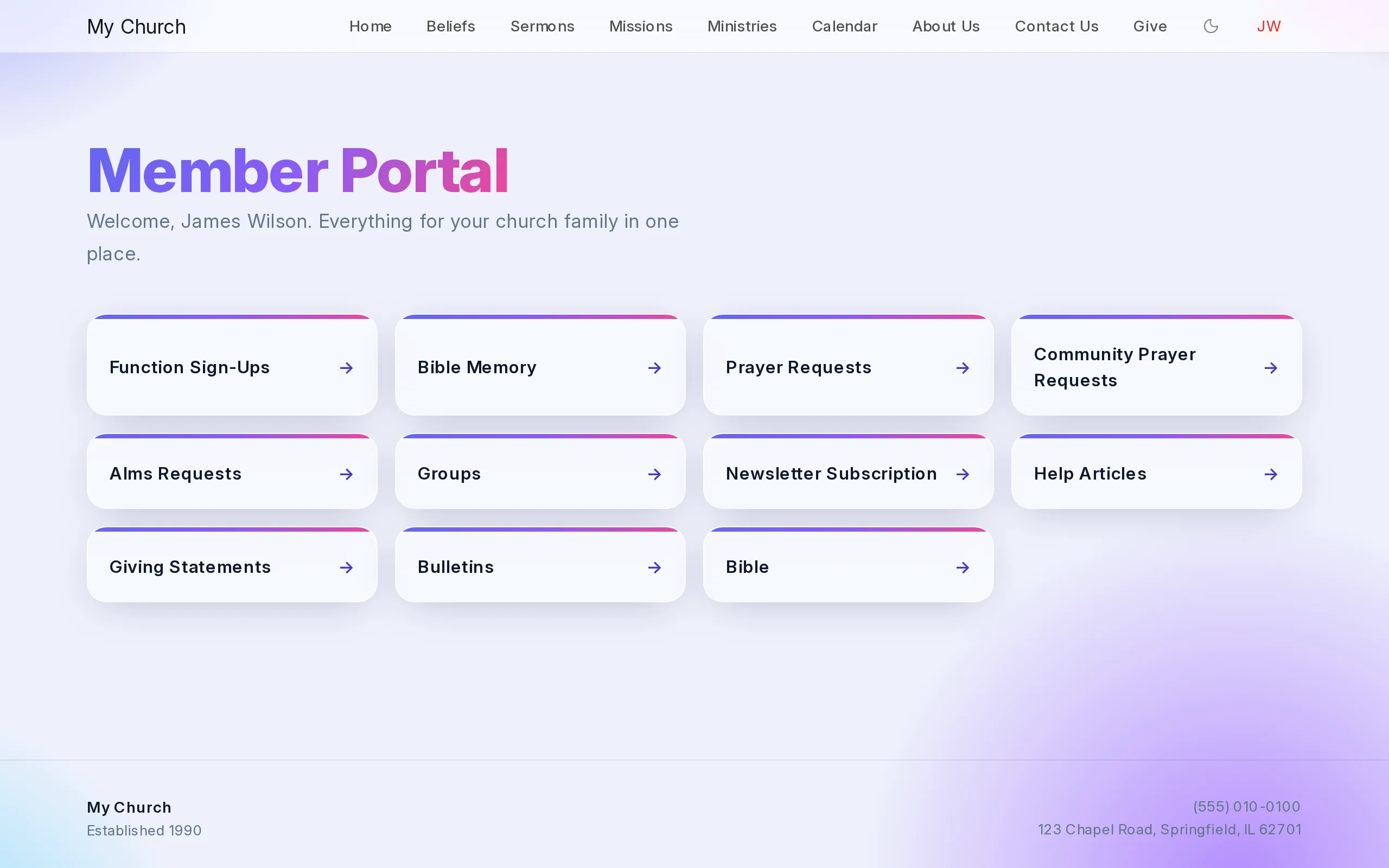
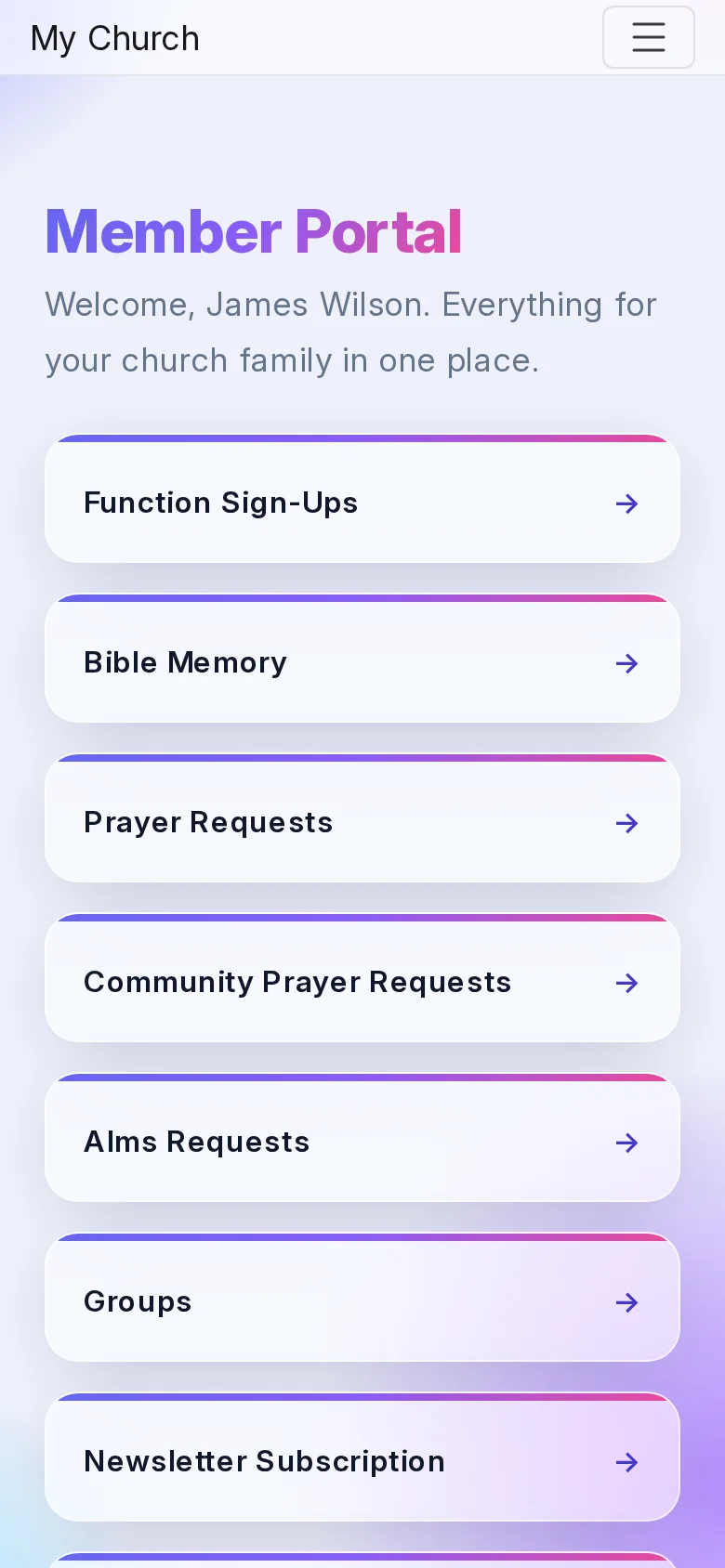
Members sign in on the church website to sign up for events, share prayer requests, download giving statements and bulletins, and practise their memory verses.
Read the manual →